Fujiteca

Mac app for in-camera .RAF processing, blending film simulations and HDR export.
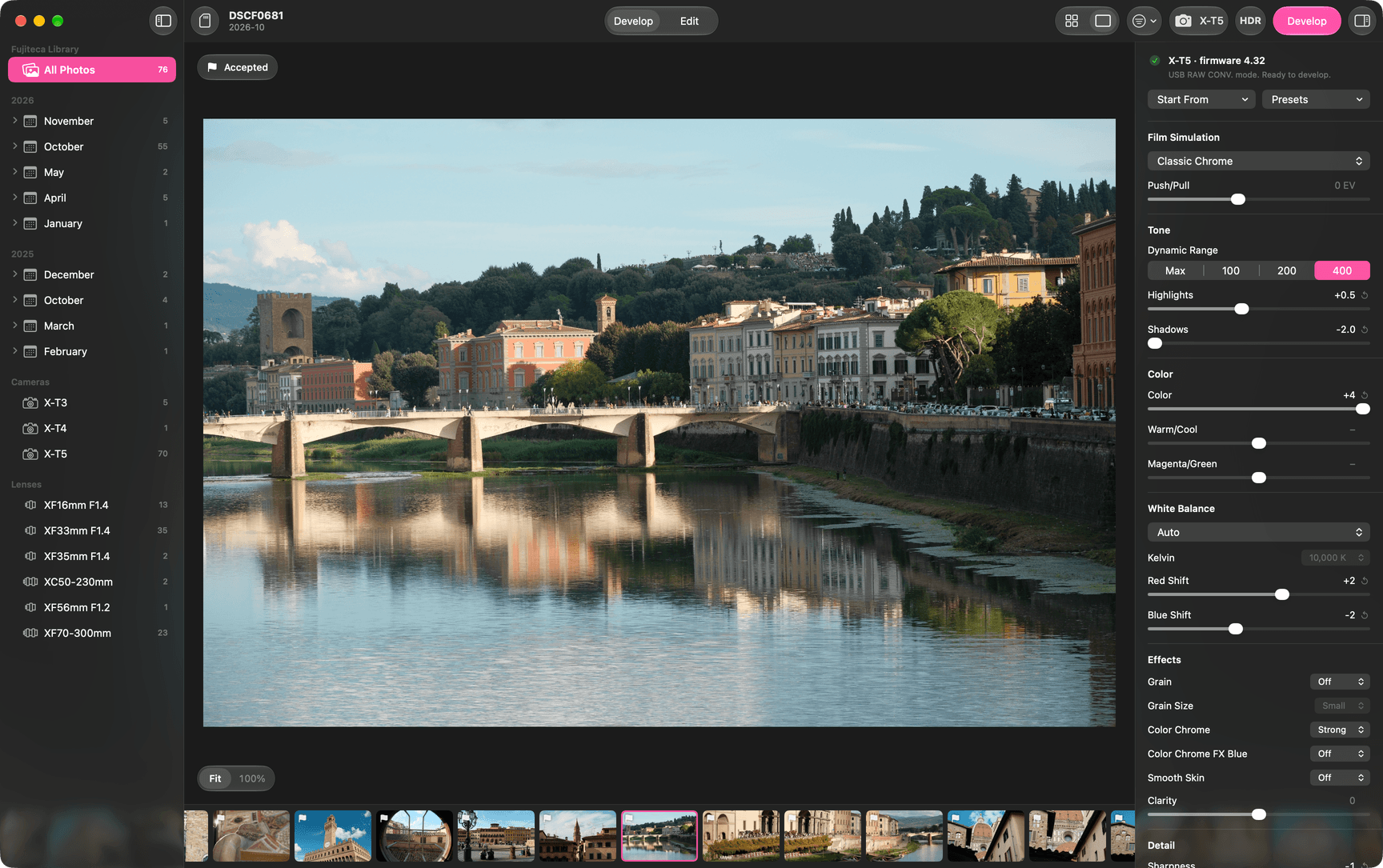
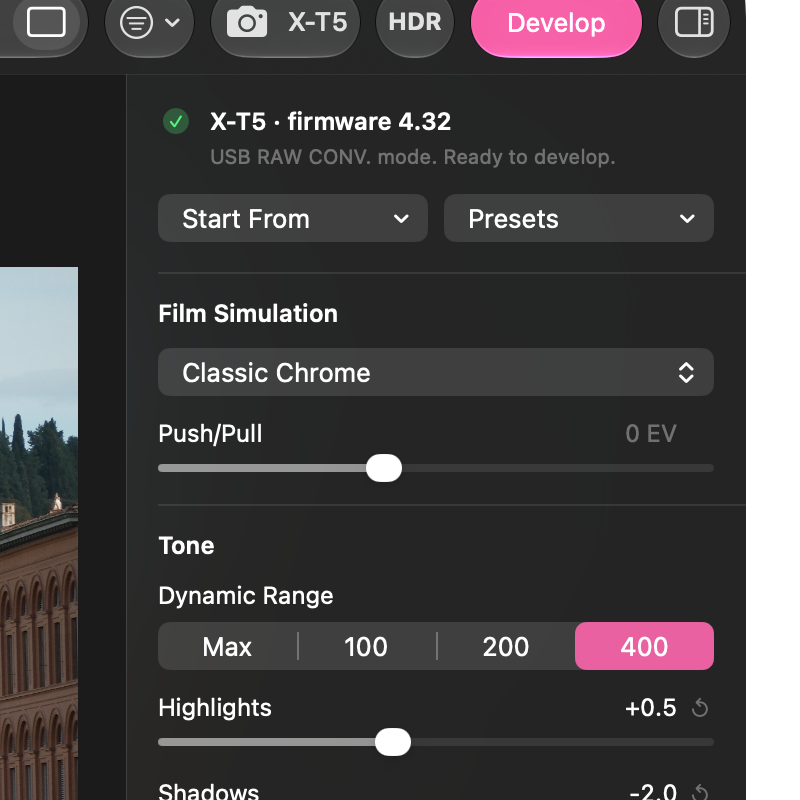
  1. Develop mode with a photo of a bridge over a river. Magnified: the connected camera, an X-T5, ready to develop, with its own settings: film simulation Classic Chrome and dynamic range 400.

    Developed by the camera

    A Fujifilm camera connected over USB processes each .RAF file itself, with its own processor and its own settings: film simulation, dynamic range, grain, white balance.
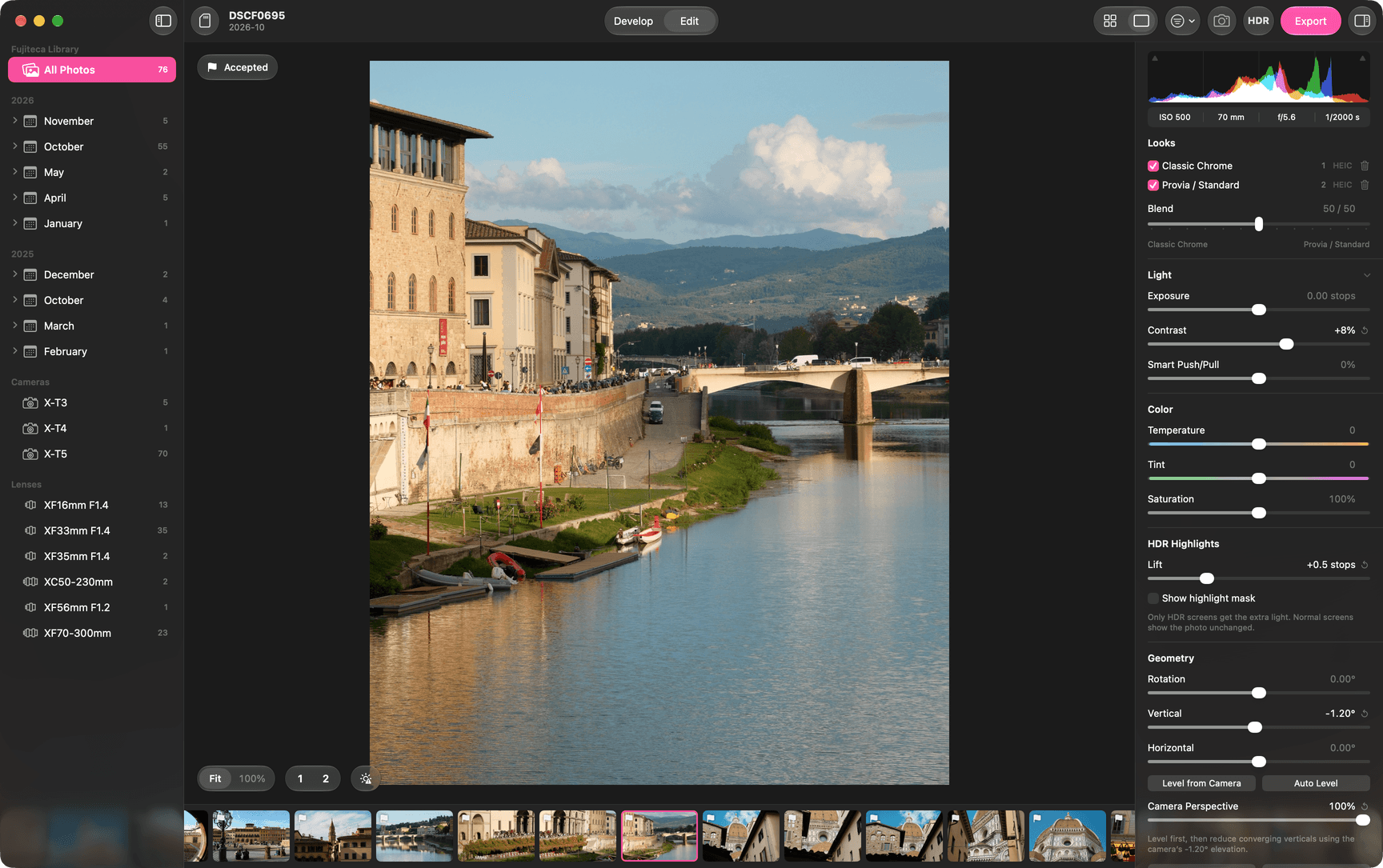
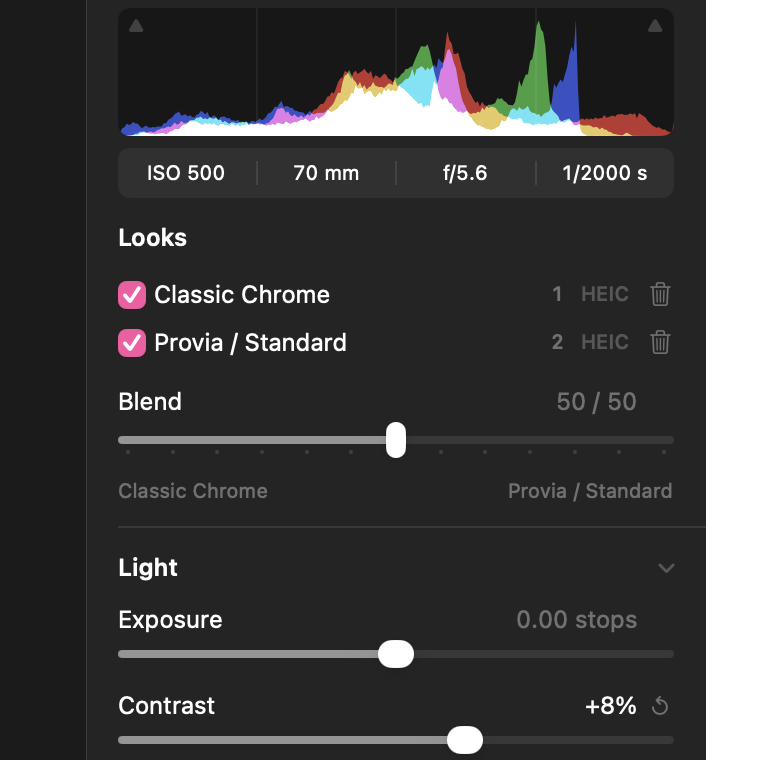
  2. The editor with a photo of buildings along a river, with a bridge and hills behind. Magnified: two looks, Classic Chrome and Provia, both checked and blended 50/50.

    Two looks, blended

    Develop the same photo twice and mix the results in any ratio. Ever wanted Provia Chrome?
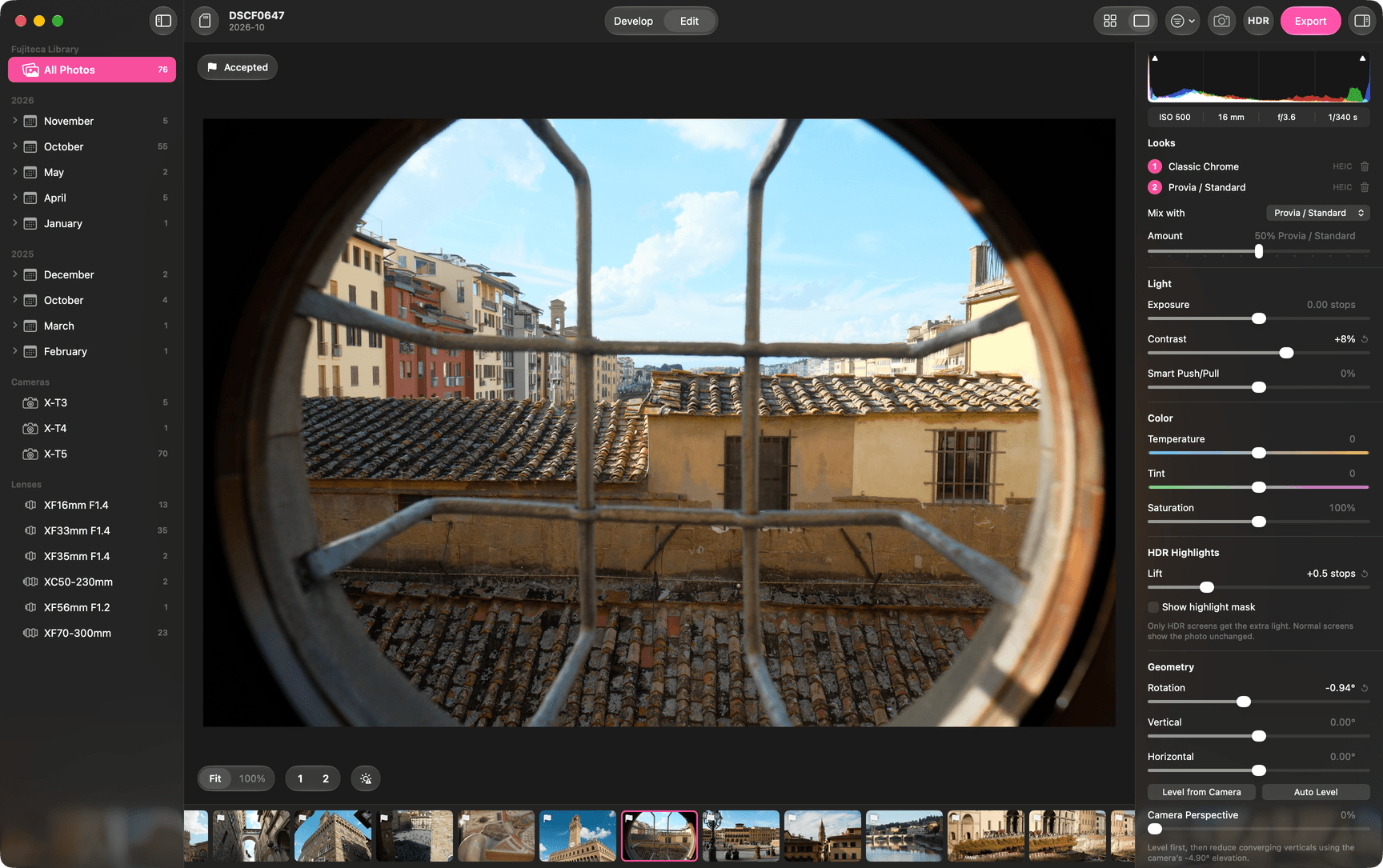
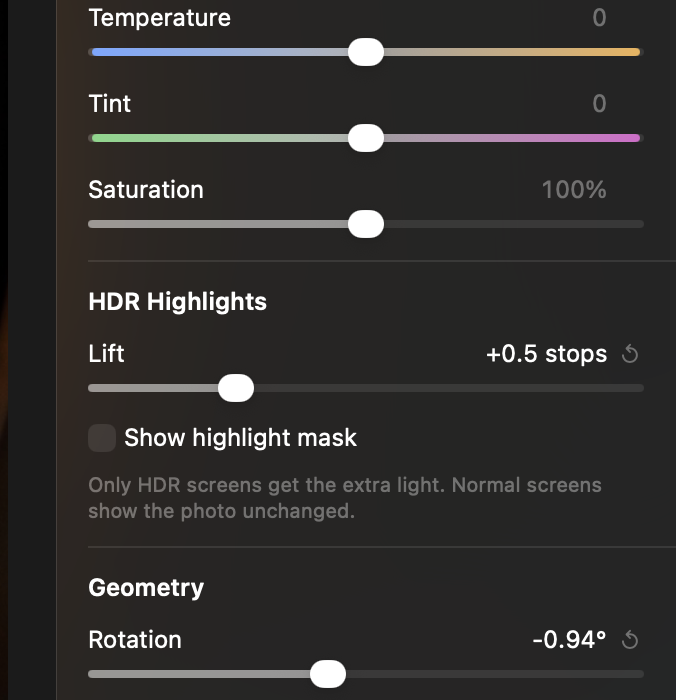
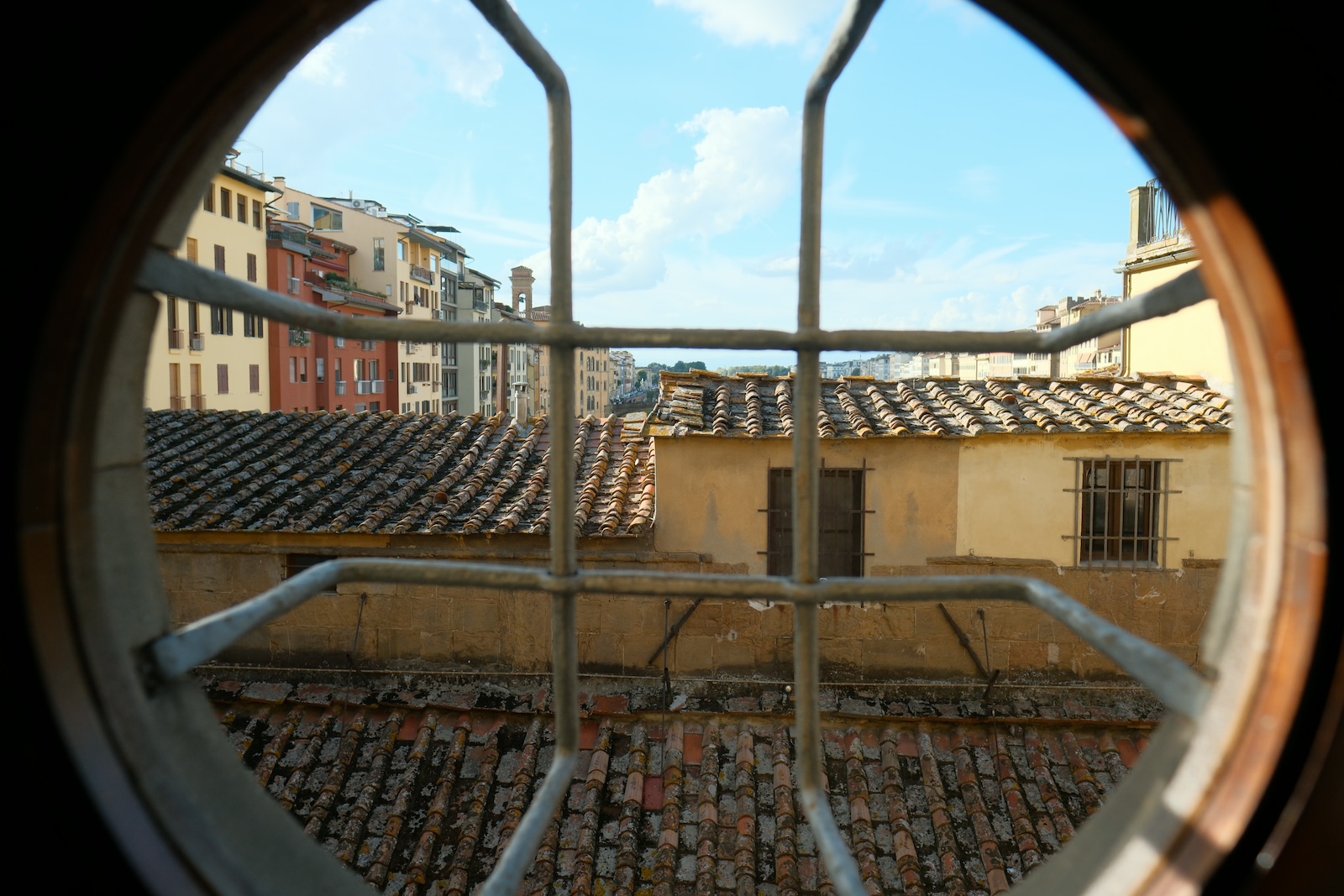
  3. The editor with a photo of rooftops through a round window. Magnified: the HDR Highlights control, set to lift the highlights by half a stop, and the HDR preview button.

    HDR unlocking

    The highlight detail is already in the file, especially in the 10-bit HEIC from newer cameras. The export can add a gain map of adjustable strength that makes it visible on HDR screens. Other screens show the normal photo, never a darker one.
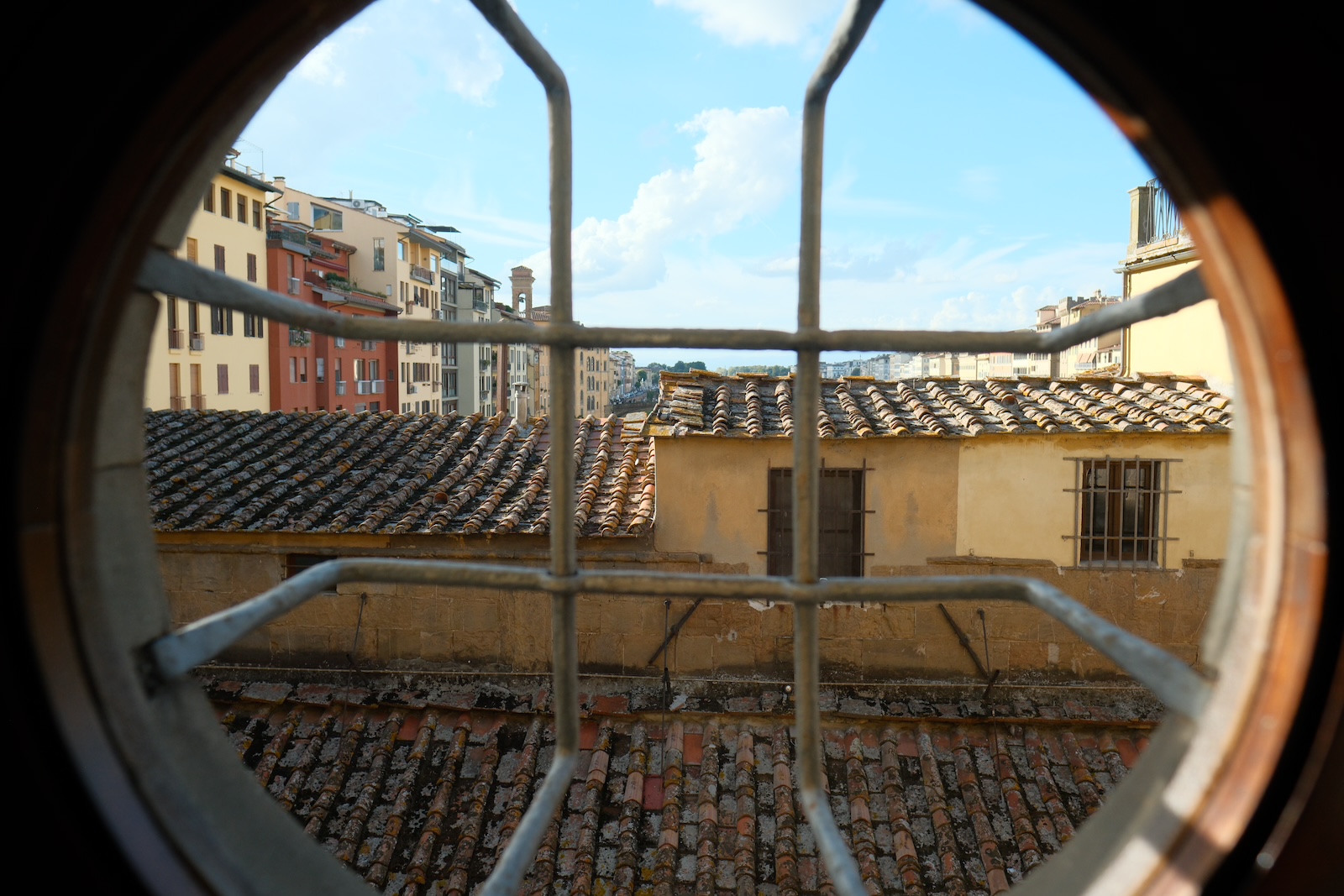
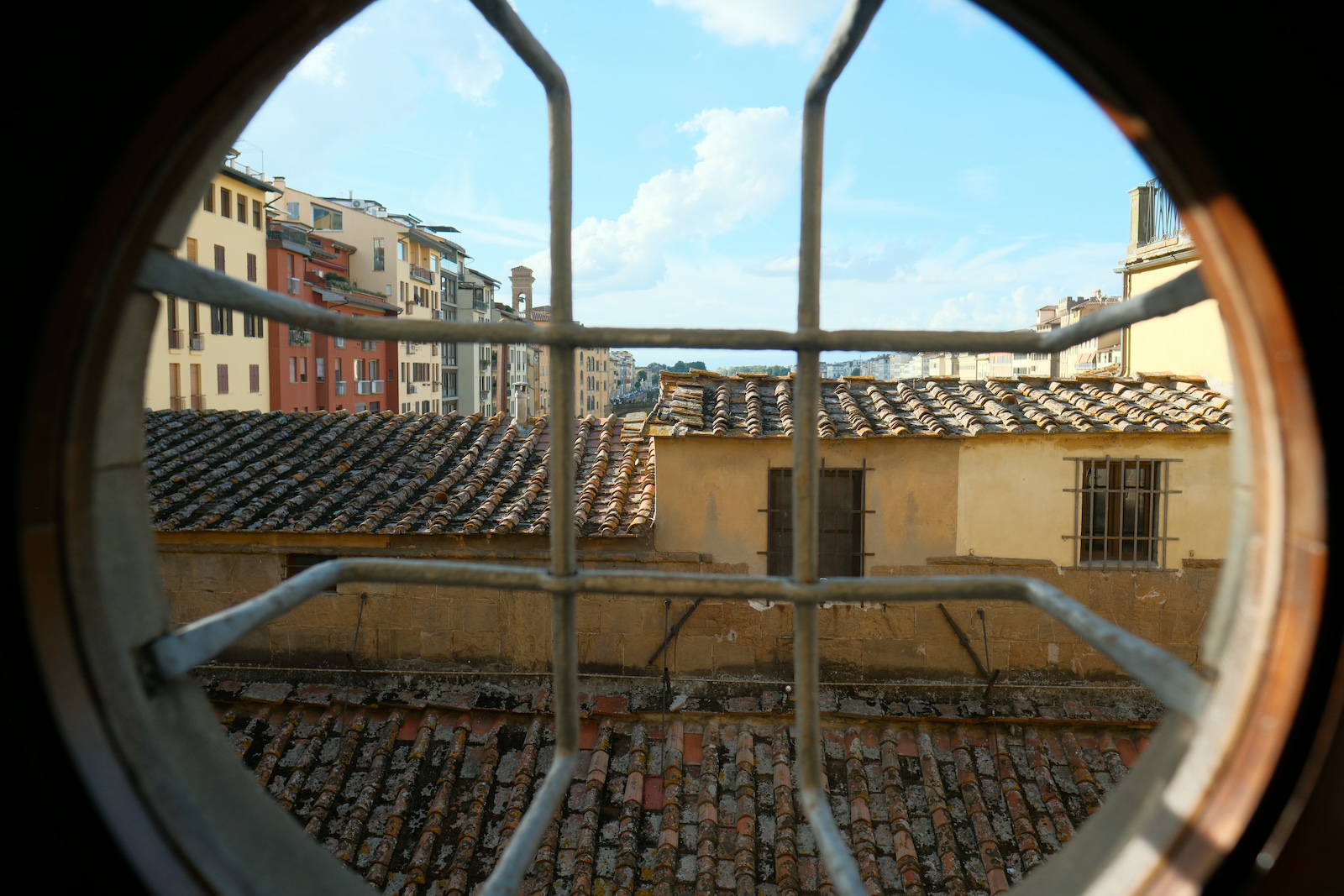
    Rooftops through a round window, without HDR.
    The same photo with one stop of HDR.
    The same photo with two stops of HDR.
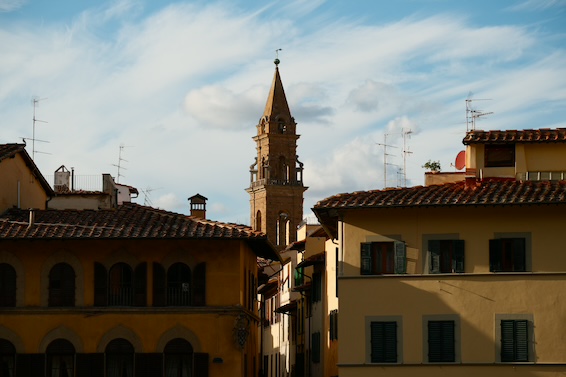
    A bell tower over tiled roofs, without HDR.
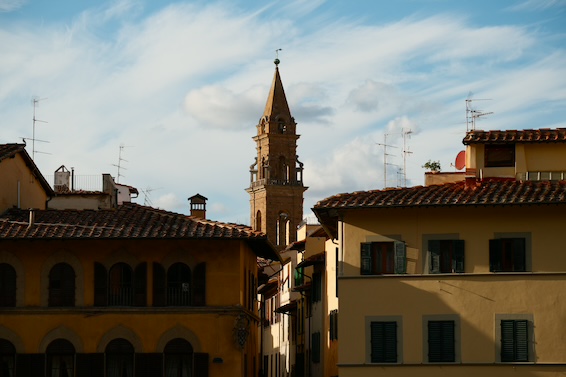
    The same photo with one stop of HDR.
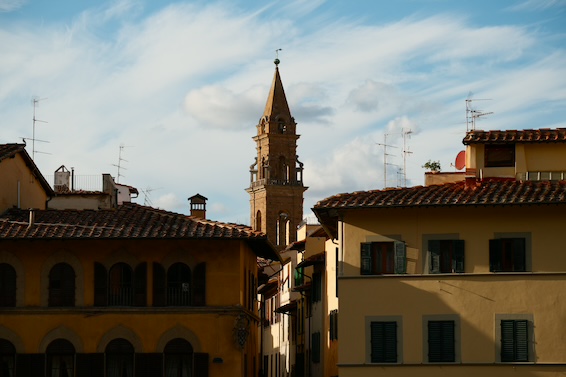
    The same photo with two stops of HDR.
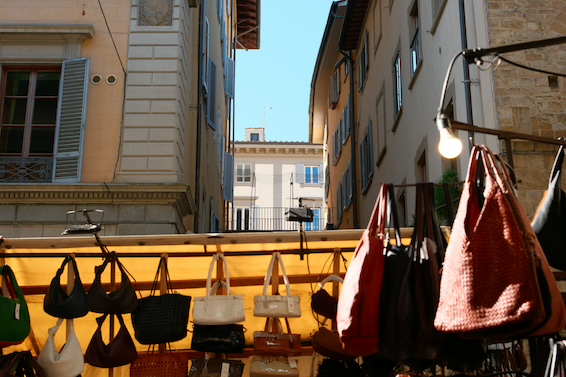
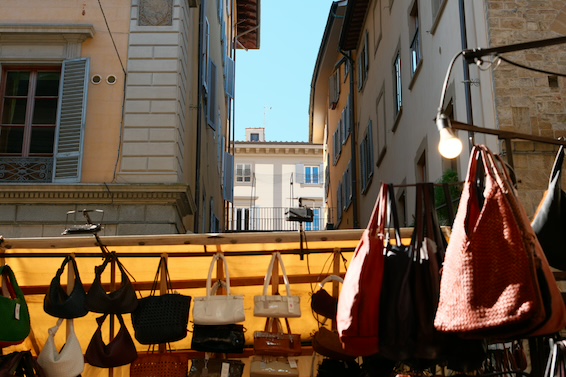
    Leather bags at a market stall under a light bulb, without HDR.
    No HDR, original camera .HEIC
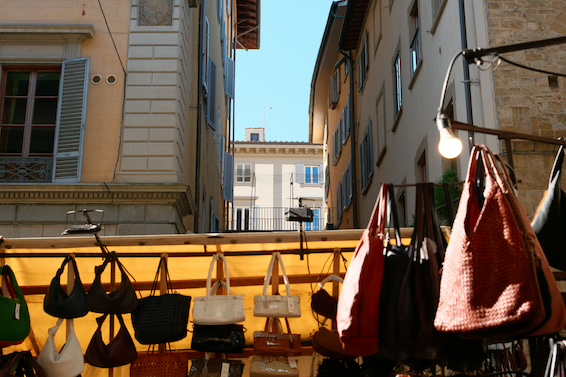
    The same photo with one stop of HDR.
    +1 stop
    The same photo with two stops of HDR.
    +2 stops

    Exported photos. On an HDR screen the sky gets brighter from left to right. On a normal screen the three look the same, and that is the point.
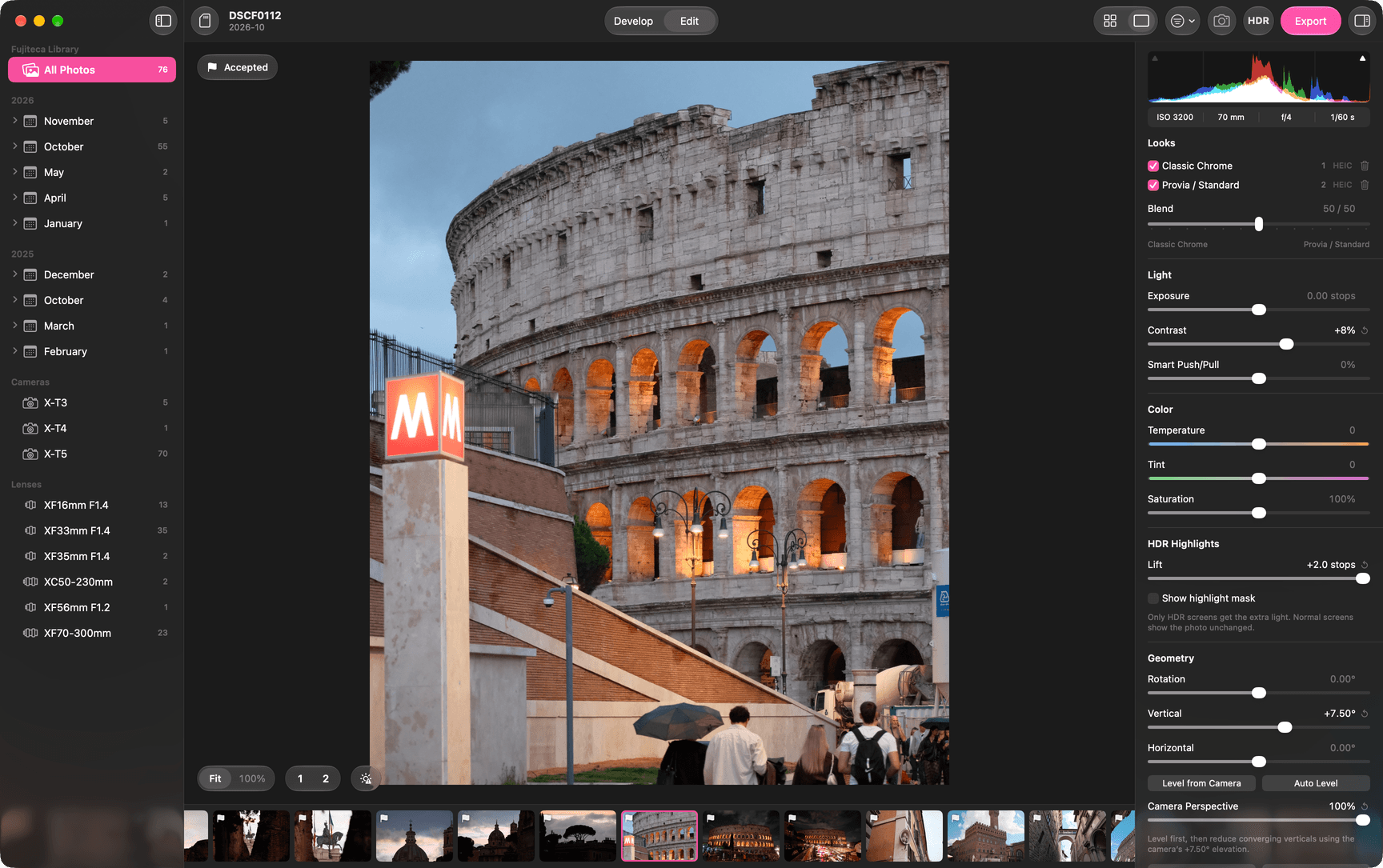
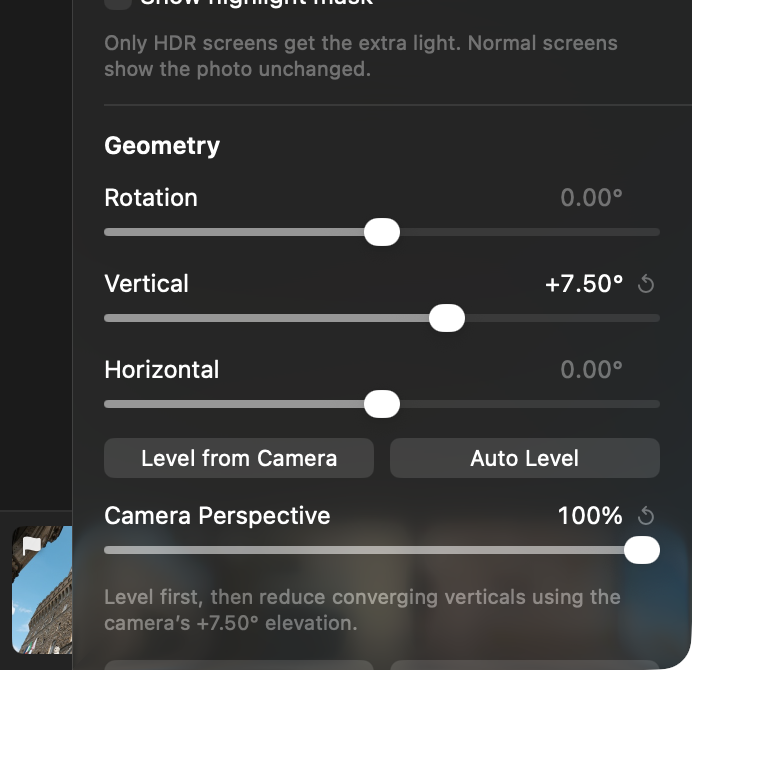
  4. The editor with a photo of the Colosseum and its edit controls: looks, light, color, HDR highlights and geometry. Magnified: the geometry controls, with Level from Camera, Auto Level, and Camera Perspective at 100%, which straightens the verticals using the tilt the camera recorded.

    Just a bit more than SOOC

    Exposure, contrast, color, crop, level and perspective. Nothing more.
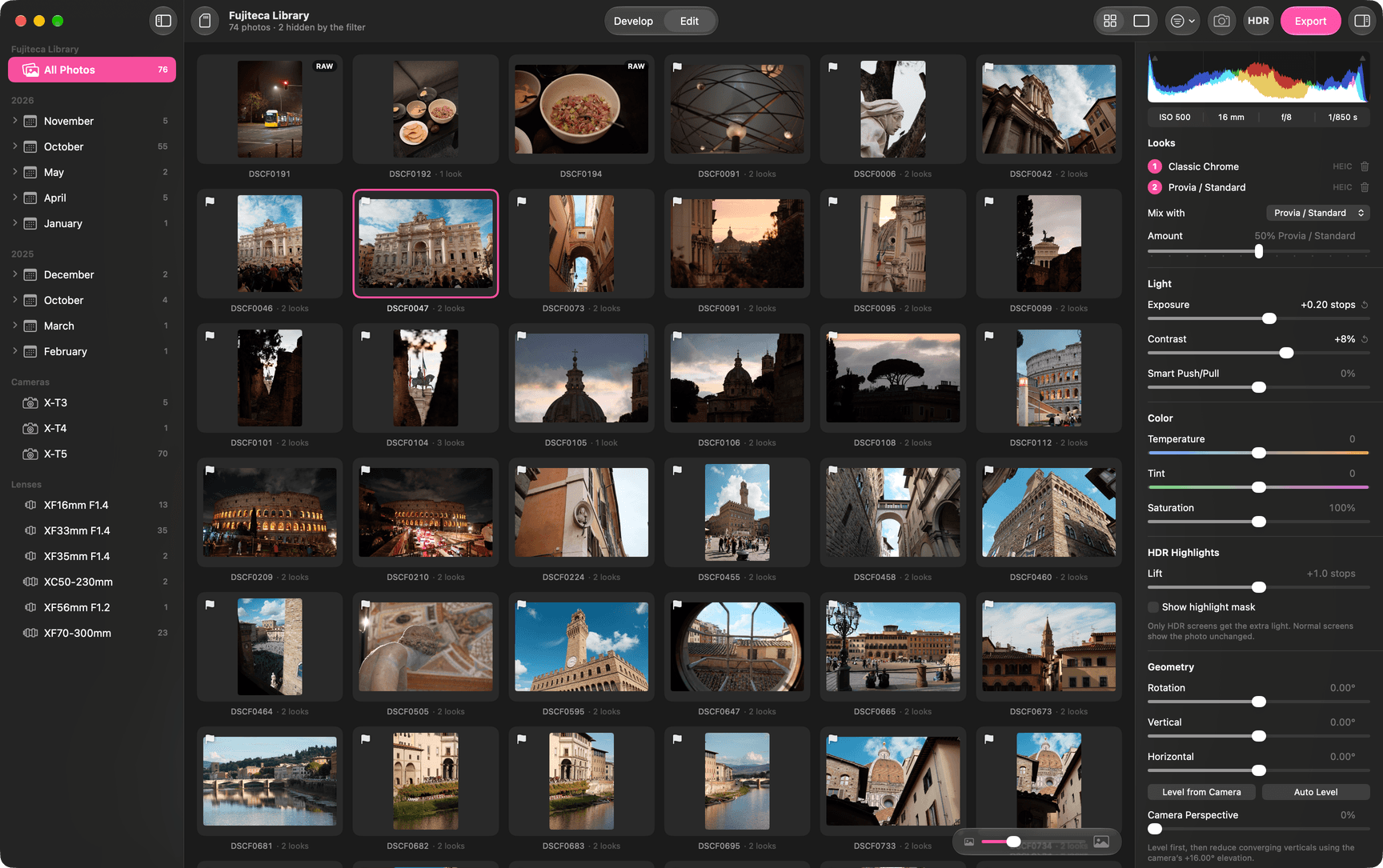
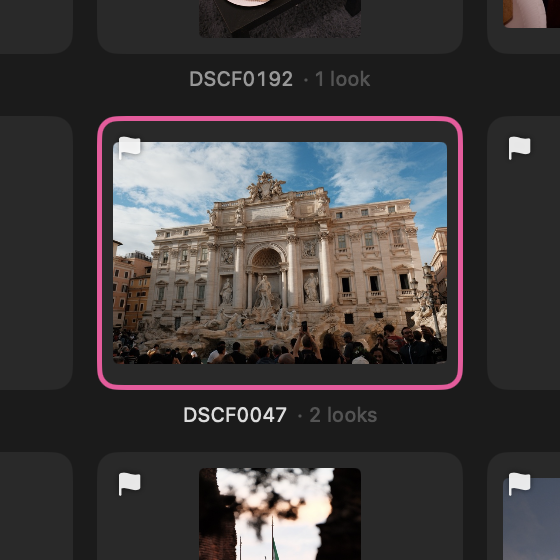
  5. The library: a grid of photos. Magnified: one photo with its two looks.

    Stays on the Mac

    Everything runs on the Mac. No account, no cloud. The photos never leave the computer.